


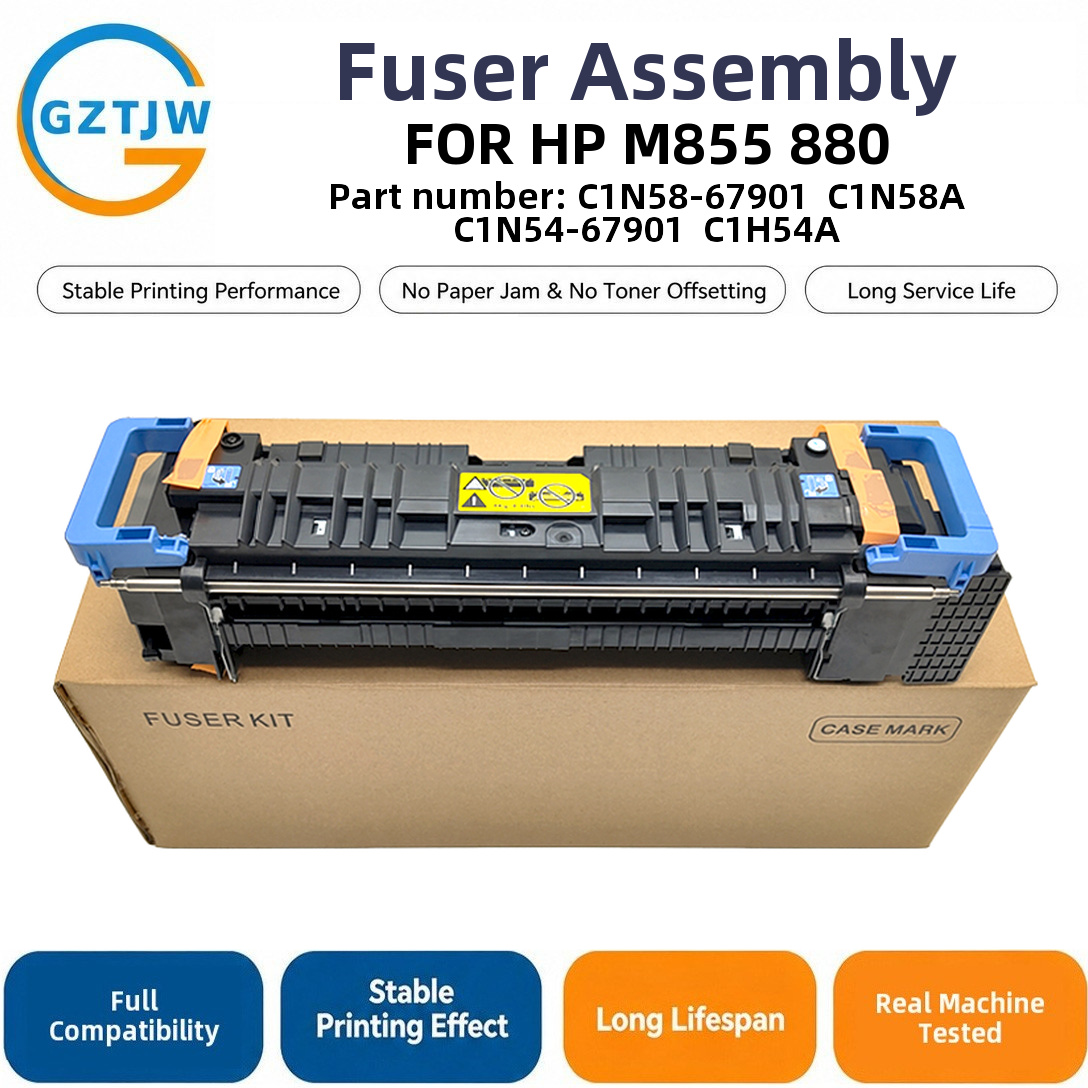
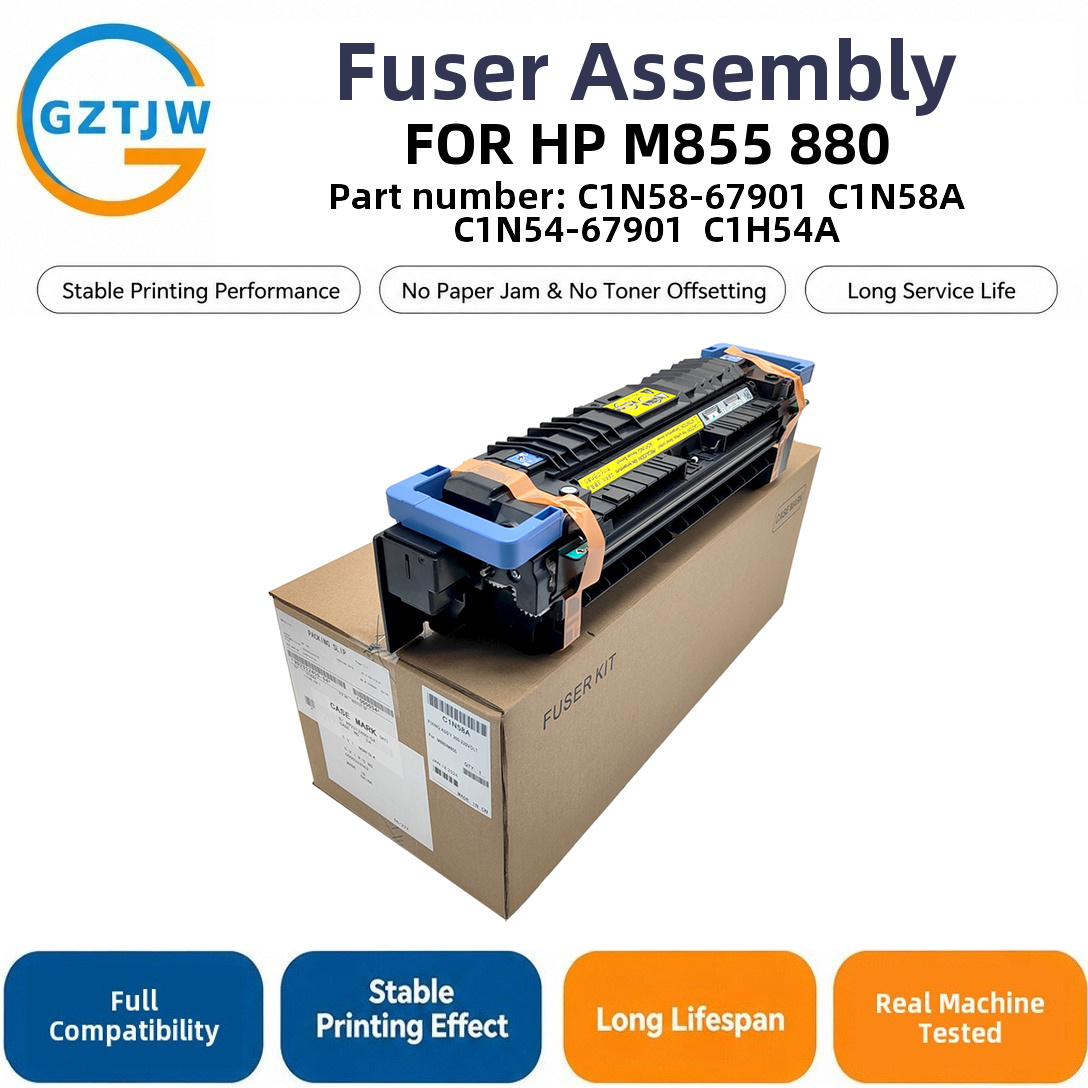
Every page that comes out of a HP M855 / 880 passes through one part first: the FOR HP M855 fuser. It is the heat-and-pressure section that melts loose toner onto the paper, and when it goes wrong the fault shows up on every print, not just one tray. This guide covers what the assembly fits, what is inside it, the symptoms you will see, and the error codes it throws.
Which printers use this fuser
The table below collects the models we match to this HP fuser. Always confirm against your machine's rating plate before ordering, because the same engine sometimes ships under more than one badge.
| Model | Class | Notes |
|---|---|---|
| M855 | A3 Color | Color/mono LaserJet sharing this fuser PID |
| 880 | A3 Color | Color/mono LaserJet sharing this fuser PID |
This assembly is listed under part number C1N58-67901 / C1N58A in our stock sheet; the same PID fits every model listed above.
What is inside the fuser assembly
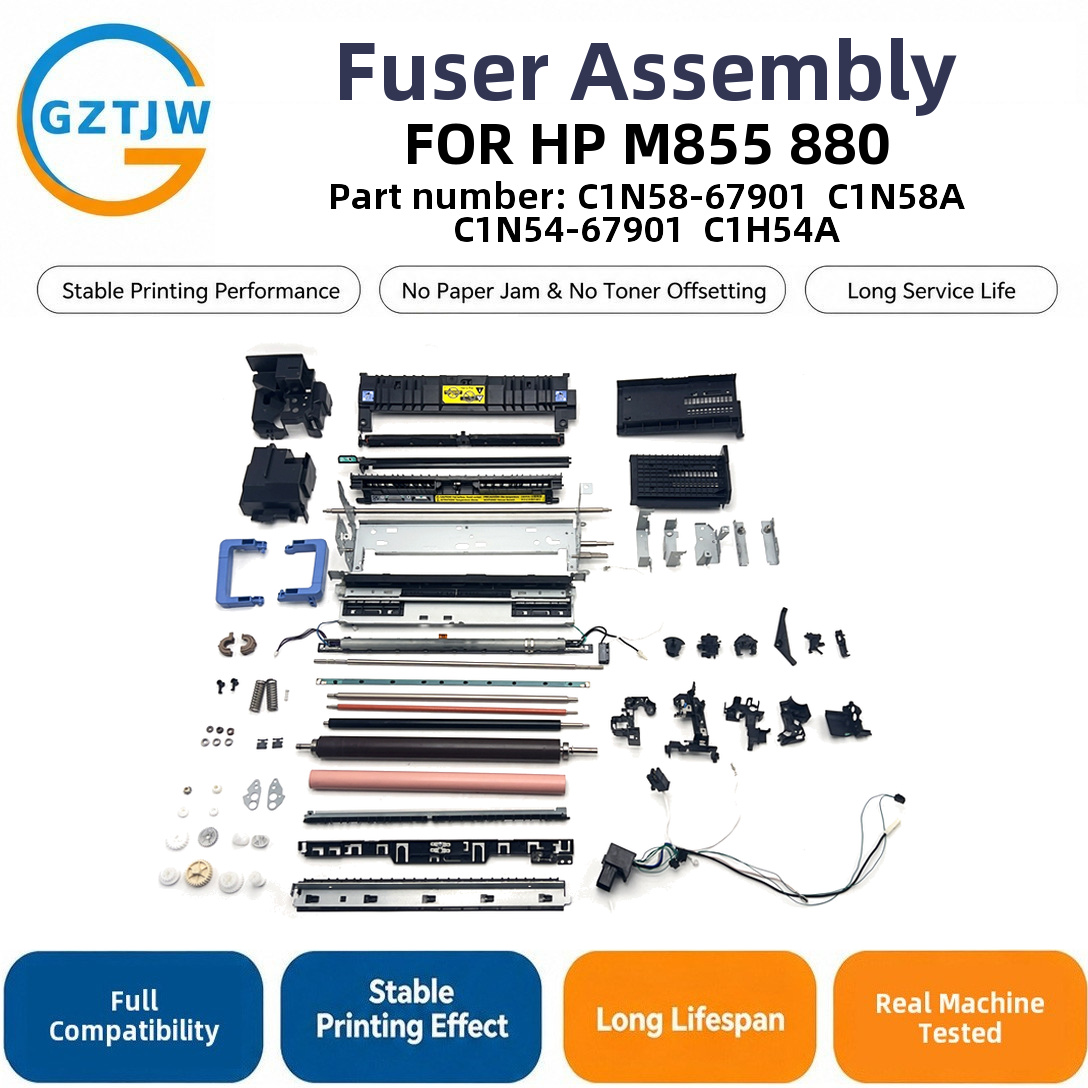
A fuser is a small, precise oven. Six parts do the work, and any one of them can fail on its own, which is why a single error code rarely tells the whole story.
| Component | What it does | What fails |
|---|---|---|
| Heating element | A halogen lamp on older engines or a ceramic heater bonded to the film on newer ones. It supplies the heat the toner needs to melt. | Lamp burns out, or the ceramic element cracks with thermal cycling. |
| Fuser film / sleeve | The thin, non-stick sleeve that rotates around the heater. Toner never touches the heater directly; it rides on this film. | The film goes matt, tears, or welds to the roller and leaves streaks or jams. |
| Pressure roller | The rubber roller opposite the film. It presses the page against the hot sleeve so the image bonds. | Hardens with age, picks up glaze, and stops pressing evenly (wrinkles, uneven fix). |
| Thermistor | The temperature sensor that tells the board how hot the fuser is right now. | Drifts or opens; the board then throws a cold/hot fuser code even when the heater is fine. |
| Thermal cutoff | A one-shot safety fuse that opens if the fuser overheats. | Blows once and will not reset; the machine then refuses to heat at all. |
| Bushings & drive gear | The bearings and gear that spin the film and roller together. | Wear causes squeal, drag, and eventually a fuser drive fault. |
Common failure symptoms you can see
These are the physical signs, before any code appears. If you recognise more than one, the fuser is the prime suspect and the wrinkling and creasing guide explains the quick bench checks.
- Toner rubs off the page with a finger: the image never fused, the heater is weak or cold.
- Wrinkled or creased sheets at the exit: the pressure roller has gone hard or glazed.
- Black vertical streaks or a repeating band: the fuser film is scored or torn.
- Paper jams that cluster at the fuser exit, not the trays: film drag or a worn bushing.
- A hot, burning smell, or a squealing noise: a seized bearing or a dragged film sleeve.
Not every symptom means a dead fuser.
A weak fix can also come from a tired transfer belt or low toner, so isolate the fuser before you spend on a whole assembly.
The error codes this fuser throws
On HP machines this assembly reports through the 50.x family. A 50.1 or 50.2 points at the fuser heating circuit (low or high temperature), 50.7 and 50.8 usually mean a failed thermistor or thermal fuse, and 50.9 is a fuser drive fault. The panel may also ask you to "Replace Supplies: Fuser Kit" once the life counter trips. Our HP 50.x error guide maps every sub-code to the part that actually needs swapping.
Correction to a common assumption: a 50.x-style code (on HP and several other brands) does not automatically mean the fuser must be replaced. Often the thermistor or the thermal cutoff is the real fault, and swapping that small part restores the machine for a fraction of the cost. Read the sub-code first.
How to confirm, and when to replace
We stock this fuser and provide technical support: send us your exact model and the current page count and we will confirm the correct part number and voltage before you pay. Voltage matters more than people expect, and the 110V vs 220V fuser guide shows why a wrong-voltage unit is a service call on arrival day.
Decide between an OEM and a compatible build with the OEM vs compatible fuser assembly guide, and check whether you need a full fuser or just a maintenance kit at your page volume. The life counter, not a sudden break, usually triggers the first "replace" message. We are an independent parts supplier, not HP (HP); our job is the correct compatible fuser, not the badge.
If you would rather not guess, our team will match the right HP part from your serial label. See how we vet compatible fuser suppliers so you are not buying on a guess. We also offer technical support through the swap itself.
It varies by model and duty.
Most engines flag the fuser well before it physically fails, so a planning range beats a single number; the maintenance-kit-at-x-pages planning guide gives that range. Reusing an old thermal cutoff or a glazed roller is the usual reason a fresh fuser still throws a code, and we flag that before you ship.
Frequently asked questions
How do I know my printer uses this HP fuser?
Match your model against the table above, then check the rating plate inside the front door. If the badge differs but the engine family is the same, the fuser is usually shared.
Can I run a 220V fuser on 110V, or the reverse?
No. A 220V heater on 110V will not reach temperature and throws a cold fuser code; the reverse can cook the element. Pick the build for your region instead of guessing.
OEM or compatible fuser?
Both work for stable volume; the trade is price against the OEM warranty. We lay out the real differences in our buying guide rather than the marketing line.
At what page count should I plan a replacement?
It varies by model and duty, but most engines flag the fuser before it physically fails. Use a planning range, not a single number, and confirm against your own counter.
Do you provide installation or fitment support?
Yes. Beyond the part we confirm fitment and walk through the swap, and we flag reused parts that cause a new fuser to still throw a code. That is where most "new fuser still errors" cases actually come from.
One more note for the sustainability-minded: a refurbished or rebuilt fuser keeps a serviceable engine out of e-waste, and a second life for the FOR HP M855 fuser is exactly that kind of reuse. The EPA's electronics donation and recycling program (https://www.epa.gov/recycle/electronics-donation-and-recycling) is a good reference if you are retiring older units.
No next


